

Outlook tips and tutorials
Step-by-step guides for Microsoft Outlook: searching and finding emails, keeping the inbox in order, calendars, attachments and fixes for the most common problems.
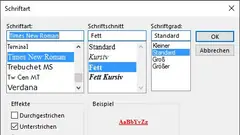 Color-code E-mails in OutlookIf you have used previous versions of Outlook, you may have already taken advantage of the option to color code your emails. Automatically tagging your emails has the…
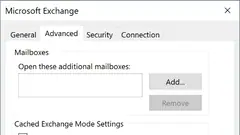 How To Solve Public Folder Search ProblemsThe Outlook search tool is one of the most important tools in the Outlook arsenal. Outlook search can find emails, documents, calendar items, and yes you can even…
 How To Fix Outlook 2003 Search ProblemsOutlook has been around for quite some time, and it is the most widely used email client around the world. It is used by most on daily basis…
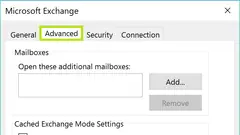 How To Search Public Folders In OutlookLooking for a way to quickly and effectively search Public Folders? We can help!
 How to Remove Add-ins that Slow Down OutlookOutlook in all of its versions already comes packed with a multitude of add ins, and you can activate and deactivate them as you please.
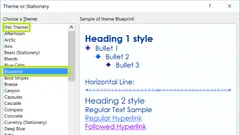 How to Change the Default Font and Size in OutlookInstalling Outlook is easy. When you open it up for the first time the program uses default settings for most everything. The default font settings will have the…
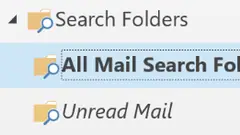 How To Search All Folders In OutlookOutlook is probably the one thing you have open and running on your desktop all day while you are working. You need it constantly, and you need to…
 How to Use Instant Search in Outlook 2007The instant search feature first came to Outlook in the 2007 release. Prior to this, each version of Outlook had a search feature but they didn’t support real…
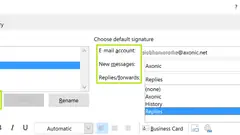 How To Add Email Signatures In OutlookEmail signatures will usually tell you quite a bit about the person you are communicating with. The ones with life quotes in colorful Comic Sans font are probably…