

Outlook tips and tutorials
Step-by-step guides for Microsoft Outlook: searching and finding emails, keeping the inbox in order, calendars, attachments and fixes for the most common problems.
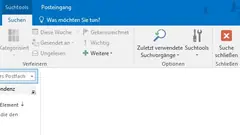 The most important Outlook search parameters for a more precise searchIn the instant search field in Outlook, where you normally enter your simple search terms, it is possible to achieve a more exact result through defined combinations of…
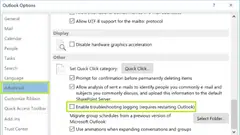 How To Fix Outlook Connectivity ProblemsMany people have to connect to the Outlook Exchange Server to access their work emails. Occasionally Outlook has problems connecting to the server. As with most technical issues…
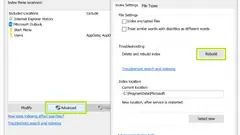 How To Fix Outlook 2007 Search ProblemsOutlook search problems are common, especially when you’ve been using Outlook for a long time.
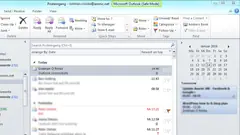 How To Fix Outlook 2010 When it Only Starts in Safe ModeWhen you receive an update through Microsoft, most assume it is safe to install and it will help your system to function in the best way possible. However…
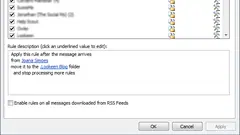 What To Do When Outlook 2010 Rules Stop WorkingOutlook 2010 has many settings, options, and functions to work with. One of the most helpful functions among all of those things are Outlook Rules. What are rules…
 How To Color Code Emails in Outlook 2013Looking for a way to keep your Inbox organized? Try adding a search tool to your arsenal…
 New Year, New OutlookIt is a brand new year, and this usually means you have made a number of different New Years resolutions to get your life back in order. If…
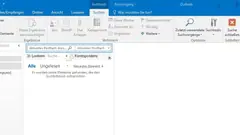 Outlook Search Not WorkingIf your Outlook search constantly indicates that items still need to be indexed or you only receive results from before a certain date, this usually means: Your Outlook…
 Google and Co.: Deleting Search History and Suggestions – Here's How It WorksWhen you use a search engine, frequent usage results in an increasingly large list of suggestions. These are terms you have searched for previously. Windows allows you quick…