

Tutorials
All step-by-step guides in one place: Outlook, Windows, Gmail and Lookeen itself.
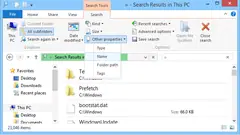 How To Use Windows 8 Desktop SearchDesktop Search is one of Microsoft Windows most useful and productivity boosting tools. You have probably been using it for years now. If you are just starting use…
 How To Search Faster in Outlook With Shortcutsto make using it faster and easier, and some come in handy more than others. If you receive a lot of email, it’s likely you frequently use the…
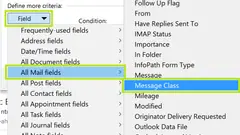 How to Index and Search Encrypted Files and EmailsEncrypted files and emails are used as an extra security measure, most likely when you are using a computer for work or any kind of business communication. The…
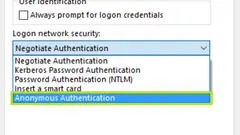 Outlook Keeps Asking for Password (Office 365)Outlook is the most widely used email client worldwide and definitely one of the most convenient email clients. However this convenience does not come without some issues here…
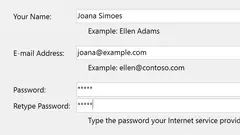 How to Delete or Add an Account in OutlookOutlook is widely used, especially in businesses, for its extensive functionality. One of the great things about it is that you can add more than one account into…
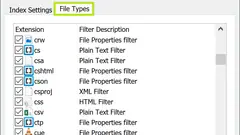 How To Find File Content in Windows SearchWhen you are a PC user, using Windows Search is second nature after a while. You can set up your indexing options to find exactly what you need—any…
 Uninstall Windows Search 4 – It's that easy!Windows Search 4, also often referred to as Windows Live Search, was the official successor to Windows Desktop Search 3 and served as the standard Windows search from…
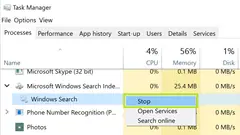 How To Disable Windows Search in Windows 7, 8 and 10Windows Search is an important tool when using your Windows PC. It works by using your preferred indexing options to help you find what you need. The indexing…
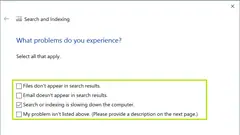 What is the Windows Search Email IndexerIn Outlook 2007 and earlier versions, the Windows Search Email Indexer integrated Outlook into the Windows Indexed Search function.