

Outlook Account Locked? Here's What You Can Do
Just quickly checking your emails and then the shock! The Outlook account is locked. But don’t panic; in this blog post, you’ll learn how to immediately unlock your Outlook and Outlook.com account. Usually, a technical error is behind the blocking of your account. However, it could also be that Microsoft incorrectly associates spam emails with your account. Nevertheless, by following the steps below, your Outlook account could be unlocked within minutes.
How to unlock your Outlook account
Step 1: Click here to log in with your Microsoft account.
Step 2: Follow the steps on the screen. You will receive a security code to
your mobile number. This does not need to be linked to your account beforehand. This ensures
that Microsoft verifies you are not a bot or spammer.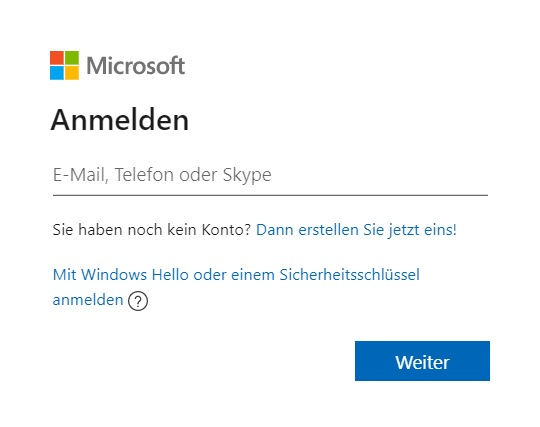
Step 3: You may be asked to provide a new password. Your Outlook account should then be unlocked.
With the Lookeen search, you can find any email in Outlook in seconds!
How to unlock your Outlook.com account
Step 1: Click here to enter the email address of your locked account.
Step 2: You will now see characters that you need to type in. Click on Next and follow the steps on the screen.
Step 3: You can now choose from various verification options. Afterwards, you must change your password and enter the security code. Your Outlook.com account should then be unlocked.
Technical Error
Sometimes your Outlook account may be locked due to a technical error on Microsoft’s end. Once the error is resolved, you can again access your account without any issues. You can check here whether there is currently an outage with Outlook.
Lookeen searches your Outlook in real time. Click here for more information!
Microsoft Support
If none of the solutions listed here have helped you, you will need to contact Microsoft Support. Click here to access the contact details for Microsoft Support.

I hope this article has helped you unlock your Outlook account. Did it work?
See you soon!



Comments