

Outlook: Forgot password – here's how to resolve it
In the jungle of passwords, it is not uncommon to forget one or another password. Can’t remember your Outlook password? If you have forgotten your Outlook password, you need to reset it and set a new one. Find out how this works in this blog post. Did you forget your Gmail password? Click here for the corresponding guide.
How to reset your Outlook password
Step 1: Click here to go to the Microsoft recovery page.
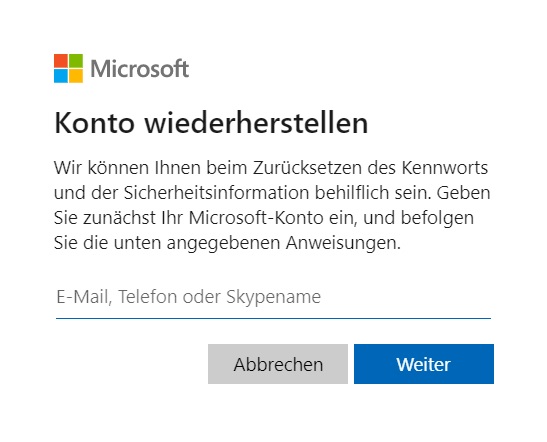
Step 2: Enter your email address, phone number, or Skype name in the designated window.
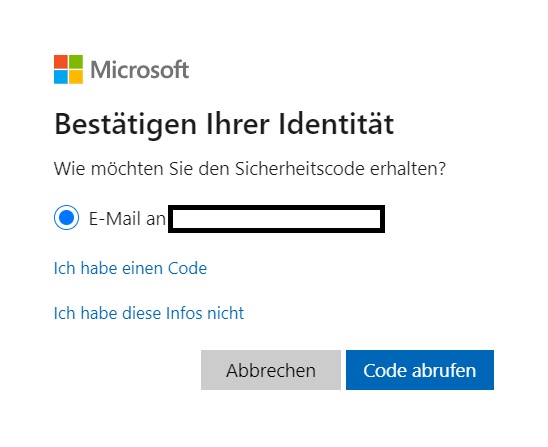
Step 3: You will now receive a security code. Click on Get code and enter it afterward.
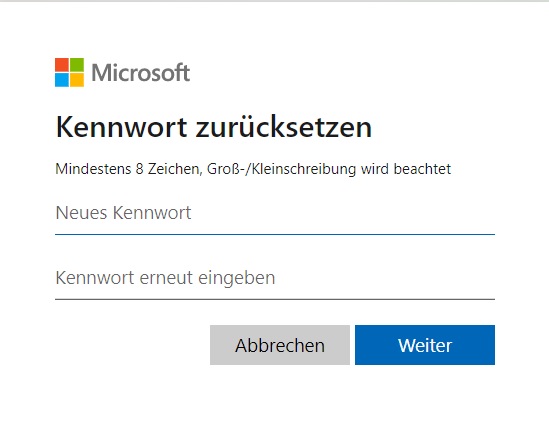
Step 4: After successfully entering your code, you can reset your password in a new window. Enter your new password (min. 8 characters) and click on Next.
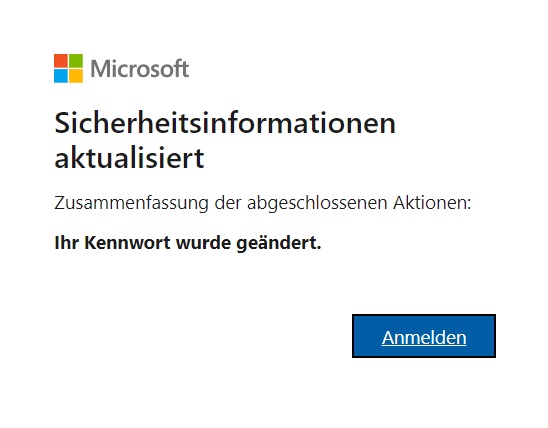
With these steps, you can now easily log back into Outlook. I hope this article helped you reset your password in Outlook.
See you soon!


Comments