

Reverse Image Search on Google and Co. – How It Works
You have an image and want to find out where it comes from or what source is behind it? Classic search engines like Google and others offer simple research options for this purpose. You will learn which ones they are in the first part of the article. However, if you are looking for an image document and only a keyword or title comes to mind, you can scroll down to the last chapter of this blog post.
Search with an image on Google
Reverse image search on Google is excellent for uncovering the context or source of an image. The following steps show you how to use it easily.
Step 1: Click here to go to the Google Images homepage.
Step 2: Click the camera icon next to the search field.
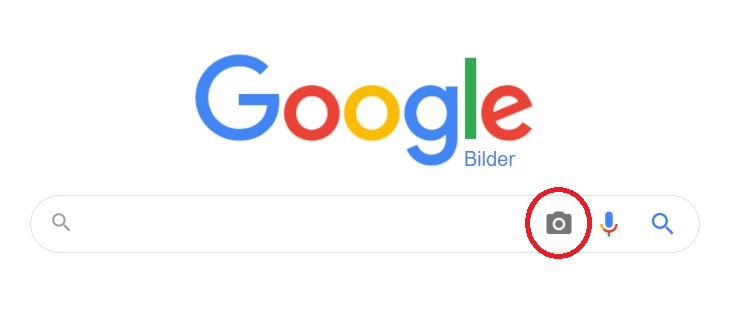
Step 3: Upload your image or enter the image URL if applicable. Google will then display a list of search results for you.

Search with an image on Microsoft Bing
Step 1: Click here to go to the Bing homepage.
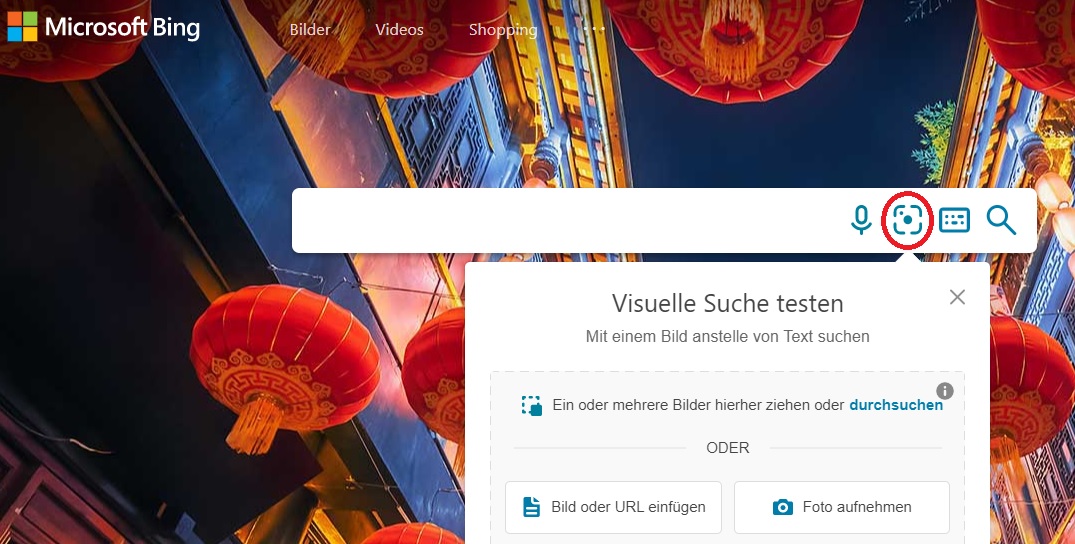
Step 2: Click the camera icon next to the microphone icon in the search bar.
Step 3: Upload your image or enter the image URL if applicable. Microsoft Bing will then display a list of search results for you.
Search with an image on Yandex
Step 1: Click here to go to the Yandex homepage.
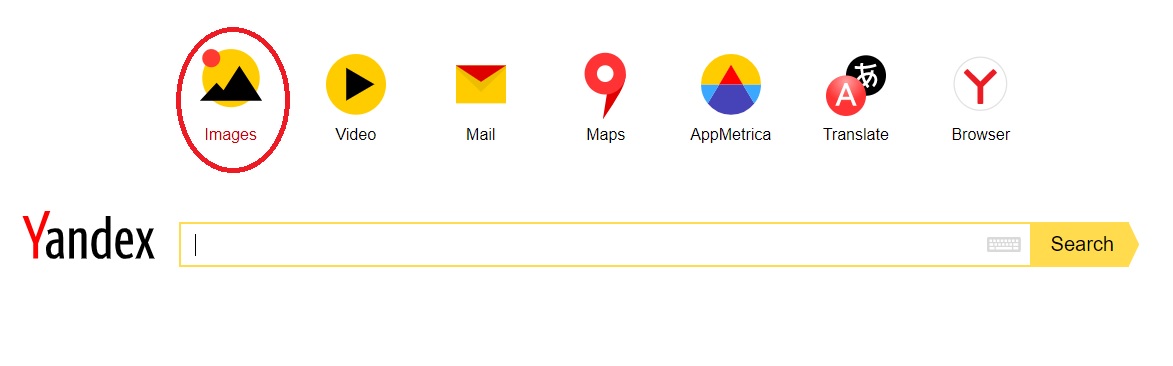
Step 2: Click the “Images” field located above the search bar.
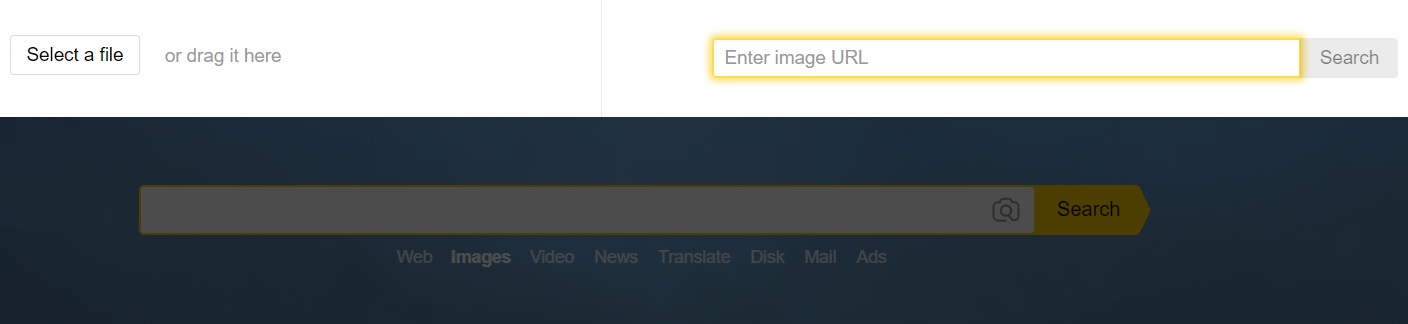
Step 3: A new window will now open. Click the camera icon and upload your image. Alternatively, you can enter the image URL here as well. Yandex will then display a list of search results for you.
Unlike Google and Microsoft Bing, Yandex also displays social media profiles that might be related to your searched image. Additionally, the results list may include images similar to your photo or from the same source.
Search your desktop for image documents with Lookeen in real time!
Search for an image using a keyword
Are you looking for an image document but can only think of a keyword or title? Then the Lookeen search can help you. The program quickly searches your files for a keyword and also displays possible image documents. All you need to do is enter the keyword in the search bar, and within moments, all matching results will be shown to you.


Comments