

Windows tips and tutorials
Guides for Windows 10 and 11: finding files, using and repairing Windows Search, the search index, keyboard shortcuts and everyday tasks.
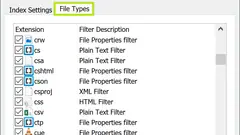 How To Find File Content in Windows SearchWhen you are a PC user, using Windows Search is second nature after a while. You can set up your indexing options to find exactly what you need—any…
 Uninstall Windows Search 4 – It's that easy!Windows Search 4, also often referred to as Windows Live Search, was the official successor to Windows Desktop Search 3 and served as the standard Windows search from…
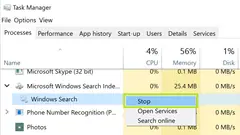 How To Disable Windows Search in Windows 7, 8 and 10Windows Search is an important tool when using your Windows PC. It works by using your preferred indexing options to help you find what you need. The indexing…
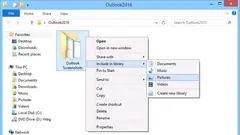 How To Change Advanced Indexing Options in WindowsIndexing doesn’t actually do anything to your files—it just creates a virtual index (like at the back of a book) of the content on your computer. This is…
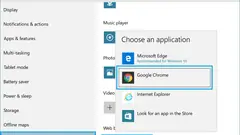 How To Download A New Search Engine For CortanaLooking to download a better search engine for your desktop? Give Lookeen a go..
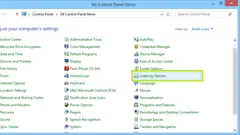 How To Fix Windows 8 Desktop SearchHaving problems searching in Windows 8? See what Lookeen can do for you.
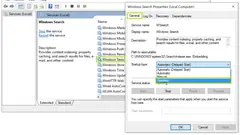 How To Use Windows Search ServiceThe Windows Search Service is possibly one of the most used functions on your computer. It indexes content, it caches property, and then it provides search results for…
 How to Fix Windows XP Search ProblemsIf some of you PC users are still running Windows XP then it’s a given that you’ll run into problems with your desktop search. Most Windows versions don’t…
 Windows Search is not working – Here's what you can do!If you do not receive any results for your search query and Windows shows no other response when you press the Enter key, there can be various reasons…