

Google: Create a Gmail account – here's how it works
Would you like to create an account with Gmail? With a Gmail or Google account, you can use numerous Google services such as Gmail (email), Google Play Store (app downloads), Google Chrome (browser), Google Calendar, Google Maps (navigation), Google Pay (online payments), Google Photos (cloud storage), and YouTube. You can also connect your email account to Outlook and search through your emails. In this article, you will learn how to create a Google or Gmail account in just a few simple steps. It does not matter whether you register directly with Google or on the Gmail homepage. The following guide shows you how to sign up via the Gmail landing page.
How to create a Gmail account
Step 1: Click here to open the Gmail homepage.
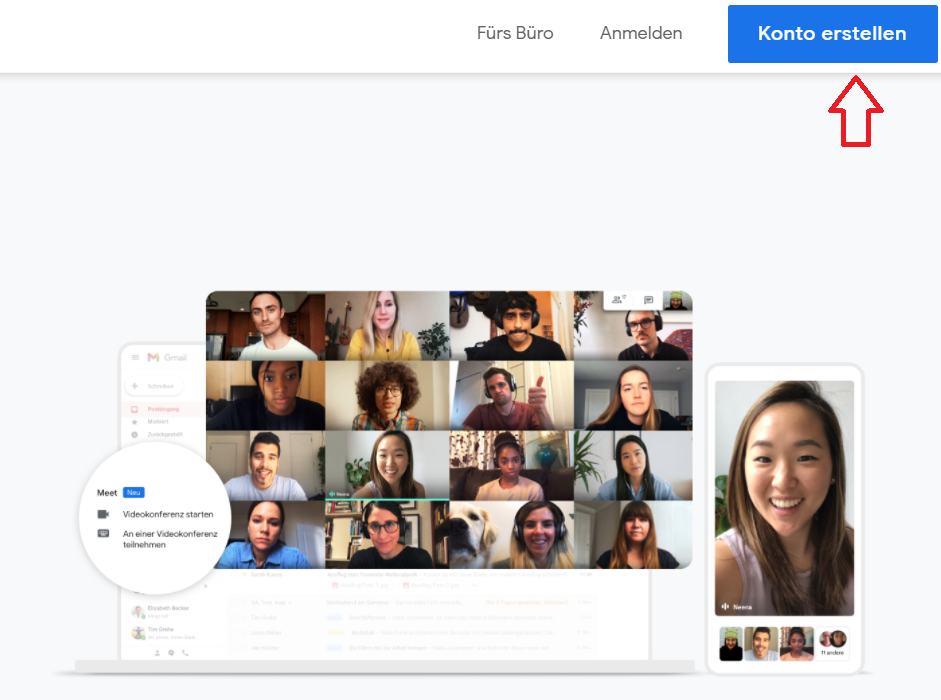
Step 2: Click the Create account button located in the top right corner.
Step 3: Enter your first and last name, and specify in the Username field what you want your future email address to be called. Confirm with Next.
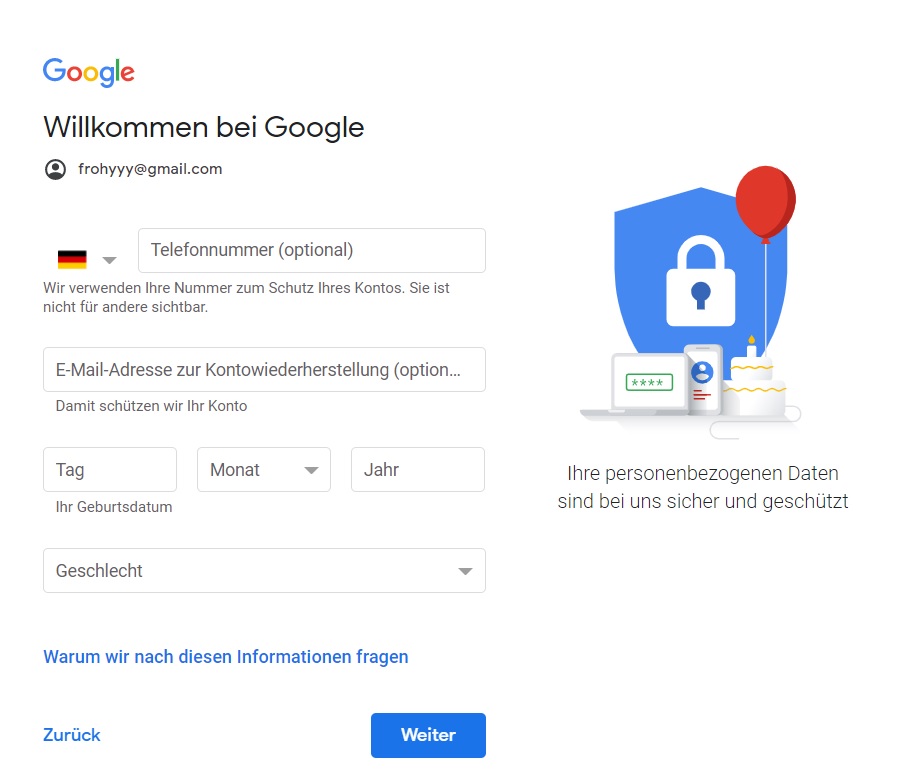
Step 4: Enter your mobile number in the designated field and wait for an SMS. You will now receive a code that you can enter. Click on Next.
Step 5: Enter your date of birth and confirm with Next.
Step 6: Read the privacy policy and confirm it.
You have now successfully created your Gmail account and can use all Google services.
I hope this article has helped you create a Google account. See you soon!
Search your emails in Outlook instantly with the Lookeen search!
Search your desktop in real time with Lookeen now. Click here for more information!


Comments