

How to Use Lookeen as a Desktop App
Most users know Lookeen primarily as an add-in for Microsoft Outlook. However, there is also the option to use Lookeen as a desktop variant. The best part: It is no longer necessary to open Outlook to perform a search.
The following steps will enable you to activate Lookeen as a desktop app.
-
Close Outlook.
-
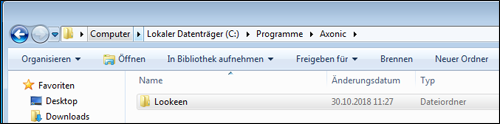
Open your folder structure and locate the “Lookeen” folder. You will find it at the storage location you specified during installation. The default location is:
C:\Programme (x86)\Axonic\Lookeen or C:\Programme\Axonic\Lookeen
- Delete the file named “olpluginonly.bin”.

- Then start LookeenDesktopSearch.exe and follow the steps provided there.
You will now find Lookeen on your desktop. To ensure error-free use of Lookeen, restart your PC for safety and perform an indexing process.


Comments