

Outlook tips and tutorials
Step-by-step guides for Microsoft Outlook: searching and finding emails, keeping the inbox in order, calendars, attachments and fixes for the most common problems.
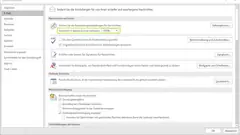 Outlook: Prevent winmail.dat Attachments – Here's How It WorksHow do you prevent Outlook from sending unnecessary winmail.dat attachments in your emails?
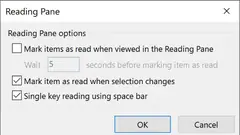 Save Time with Single Key ReadingMicrosoft Outlook is a wonderful email client that you probably use on a daily basis; as such it should be saving you time and boosting your productivity, not…
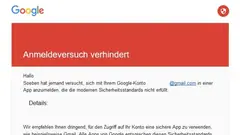 Google blocks Outlook: What to do if Gmail doesn't work in Outlook?Google is blocking your Outlook and you’re stuck? A common error results in Outlook being blocked by Google. In such cases, you typically receive an email with the…
 Outlook: Setting up G-Mail – here's howDo you want to connect your Gmail account with Outlook so that your emails are also displayed in Outlook from now on? You have two options available for…
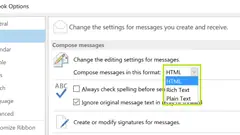 How To Prevent Outlook from Sending Winmail.dat AttachmentsOutlook is used by millions of people around the world, but that doesn’t mean that the person you’re sending your email to will be using Outlook as well…
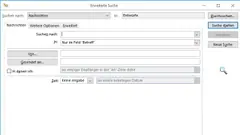 Outlook: The best keyboard shortcuts for faster searchOutlook: The Best Keyboard Shortcuts for Faster Search
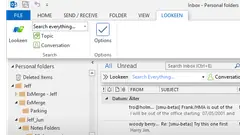 Lookeen: The better Outlook search toolWith the Outlook search tool, you can easily search for individual emails. However, with larger data volumes and more extensive search queries, Outlook has problems. Here we show…
 15 Outlook Tips & Fixes to Help You Save TimeOutlook has so many bells and whistles that it can be intimidating for new users – It’s intimidating even for those who have been using it for years…
 Create a Group Calendar in OutlookIf you want to share your appointments with friends, family, or colleagues, it makes sense to use a shared calendar. Such a group calendar can effectively help you…