

Tutorials
All step-by-step guides in one place: Outlook, Windows, Gmail and Lookeen itself.
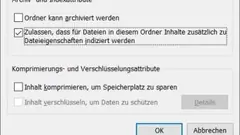 Windows: Searching for files – here's how it worksYou are looking for a file but can’t recall its name or location? You only have a keyword in mind that the file might contain? In that case…
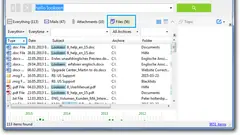 How To Search by File Type with LookeenThere are several ways you can isolate file types in Lookeen. Today I will explain the three methods we use most at the office.
 The Desktop Search in Windows 7One of the most frequently used features in Windows is the search function – with the help of the Desktop Search, you can find and locate programs, folders…
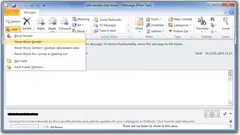 Getting Good Email in Outlook with Safe SendersThe default Outlook spam filters, while not always perfect, are very capable and occasionally ‘too good’ at their job – especially if you have your filters set on…
 How to Protect Outlook with a PasswordArticle title: How to protect Outlook with a password Excerpt 1 of 1: You need to leave the office for an appointment and don't want to shut down…
 Delegating Made Easy: Outlook – Assign Tasks to ContactsOutlook has you covered: You can easily assign tasks to other people from your contacts. The delegated tasks will then appear on the respective person's contact card.
 Find Emails on Terminal ServerTerminal servers are now more widely known than cloud computing and have become standard in large enterprises. The terminal server makes it possible for data processing and storage…
 Changing Public Folders in Office 2013Since the publication of the Office and therefore Exchange Server 2007, Microsoft has discussed whether it would allow the Public Folder to entirely disappear from the scene. Now…
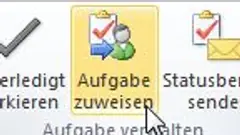 How to Delegate TasksIf you have a task that you would like another person to complete, you can create this task in your Outlook and assign it to another person.