

Starting Windows 10 and Co. in Safe Mode – Here's How
The safe mode in Windows is designed to fix potential errors on the PC. It is also suitable for performing a virus scan and, if necessary, removing malware. In this blog post, you will learn how to easily start safe mode in Windows 10 or 11.
How to Activate Safe Mode in Windows 10 and Co.
Step 1: Click on the Start menu or Windows icon in the bottom left corner.
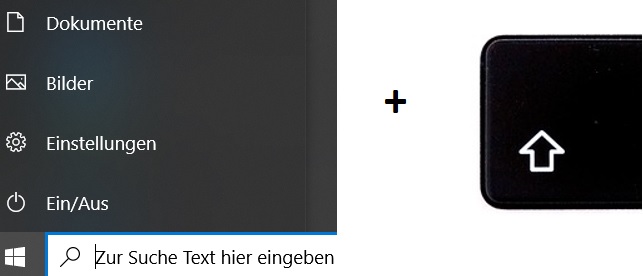
Step 2: Locate the power button at the very bottom left of the Start menu.
Step 3: Click on Restart while simultaneously pressing the Shift key on your keyboard.
Step 4: Your PC will now restart and a menu with a blue background will open. Select the 4th column containing the Activate Safe Mode option.
Step 5: Your PC will now start in Safe Mode.
I hope this article helped you start Windows in Safe Mode.
See you soon!
Find every file on Windows with certainty and security using the Lookeen search!



Comments